AI Disney Pixar Filter
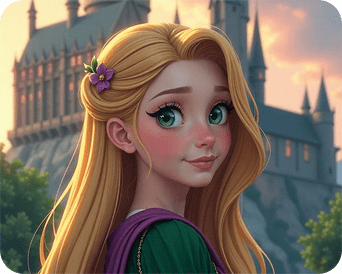
The Disney Pixar Filter gives your photos a cute, cartoon-style look. This free filter adds soft, animated details that turn any picture into a fun Pixar-inspired portrait.
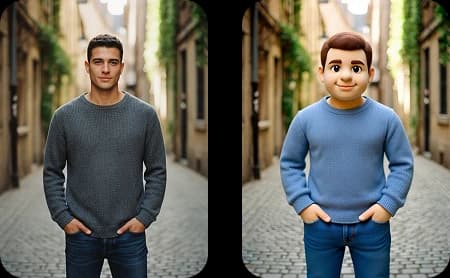
Upload Your Original Image
or drag and drop PNG, JPG or WEBP
Sample Images




How It Work
How AI Disney Pixar Filter Works
Follow these three simple steps to transform your photo into a Disney Pixar style character.
Upload Photo
Select & Upload photos from your device to apply AI Disney Pixar Filter, and make sure uploaded photos must be in high quality with a well-lit background.
Apply AI Disney Pixar Filter
After the photo is uploaded click on the “Apply Image Effect” button to apply the AI Disney Pixar Filter to your photo.
Download & Share
Download your generated AI Disney Pixar Filter to your device and share it on your favorite social media platform, and with your friends and family.
Examples
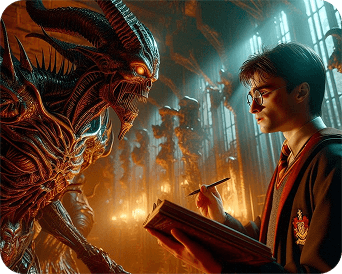
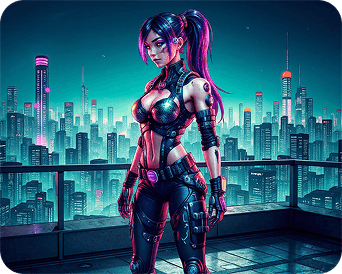
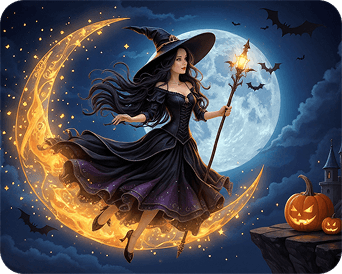
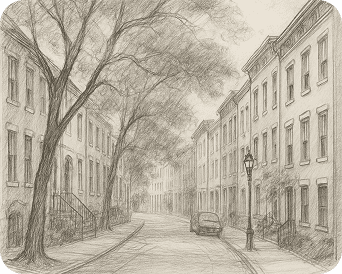
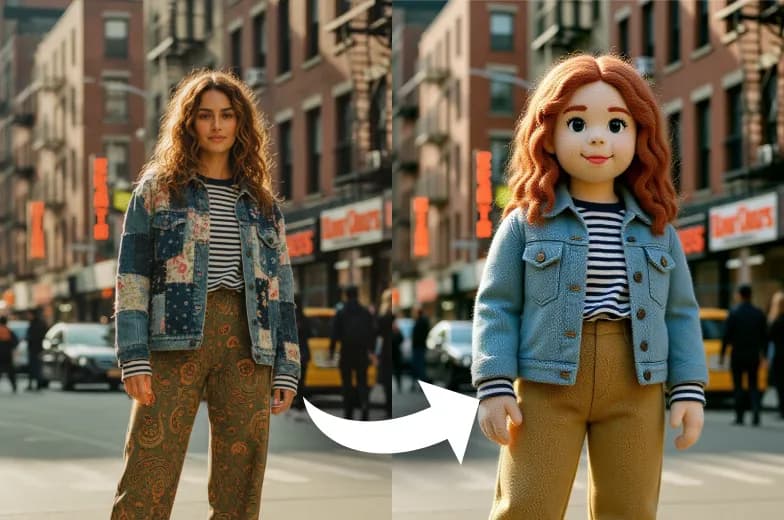
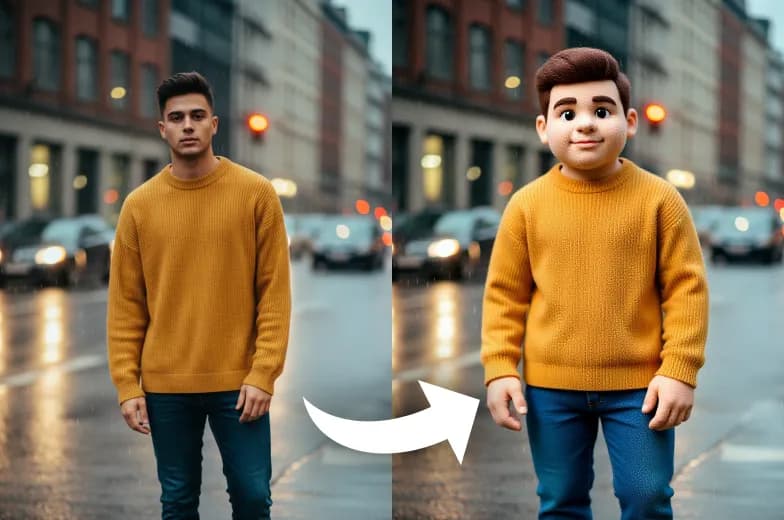
Stunning Results from Our AI Disney Pixar Filter
Testimonials
What People Say about us
Olivia
Content Creator
I'm obsessed with this filter! It's so much fun turning my photos into cartoon characters. My friends love the results too.
Lucas
iOS user from USA
Honestly, the quality is amazing. Dreamshot's AI really captures the Pixar vibe perfectly. Highly recommend giving it a try!
Elijah
Digital Artist
Super easy to use and the results are instant. I've tried other apps, but this one is by far the best for that classic Disney look.
Similar Tools
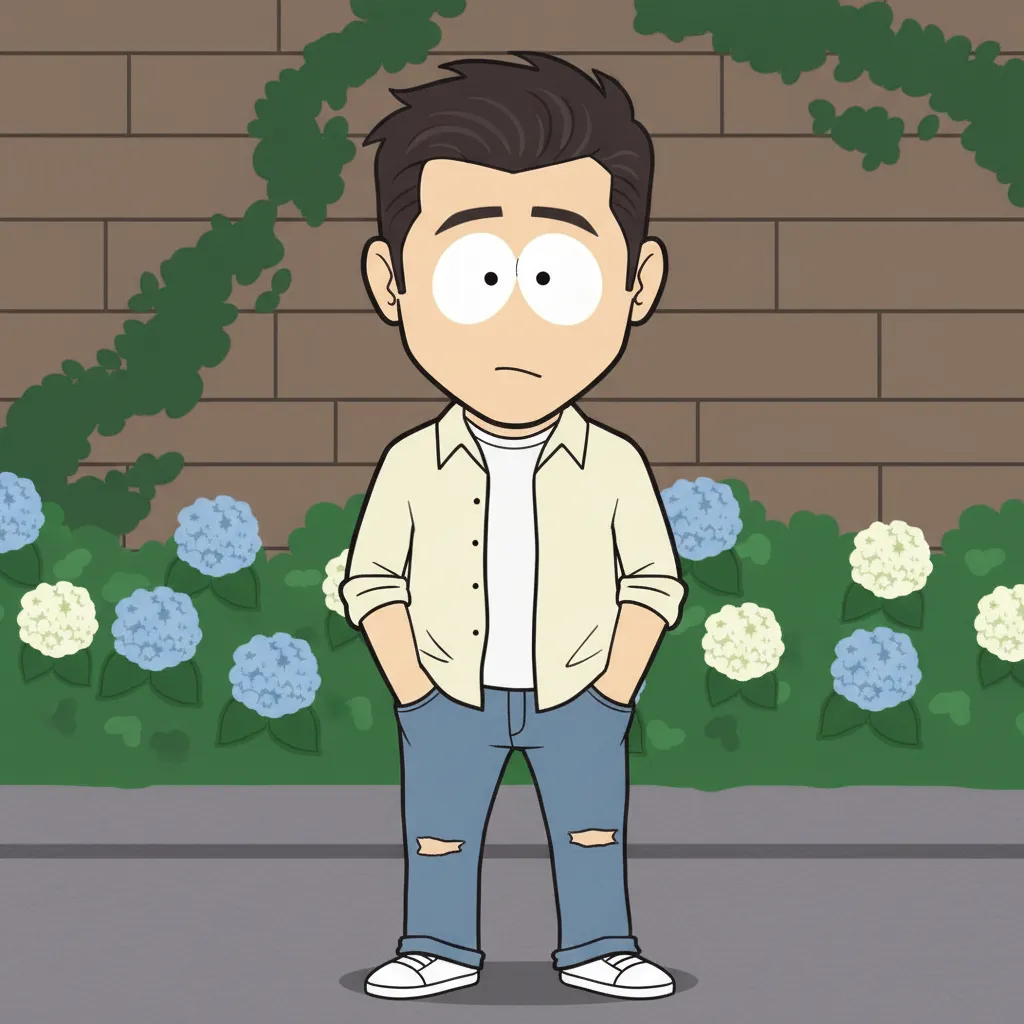
See Other Cool Image Effects


FAQs
FAQs About AI Disney Pixar Filter
Inspiration
Created with DreamShot