AI Silhouette Filter
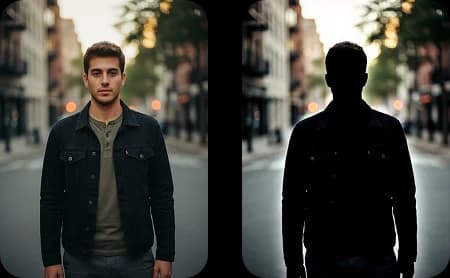
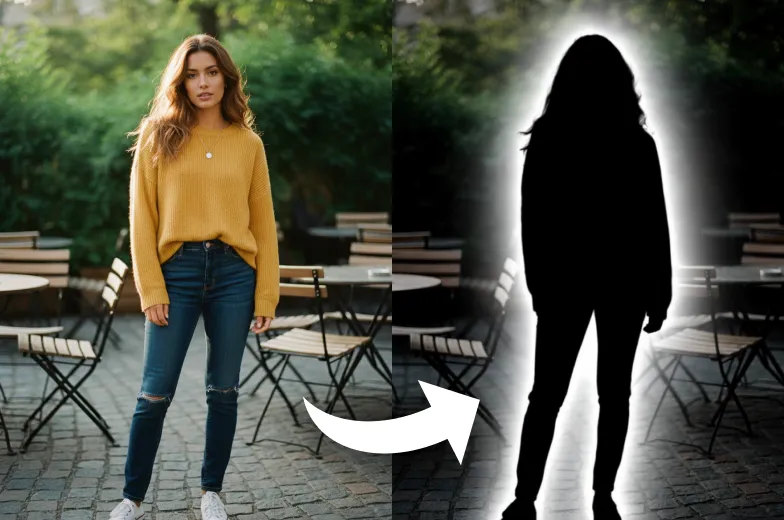
Use the AI Silhouette Maker to turn photos into silhouettes online for free. Create bold, artistic silhouette images from any picture easily.
Upload Your Original Image
or drag and drop PNG, JPG or WEBP
Sample Images




How It Work
How Silhouette Filter Works?
Upload Photo
Select & Upload photos from your device to apply Silhouette Filter, and make sure uploaded photos must be in high quality with a well-lit background.
Apply Silhouette Filter
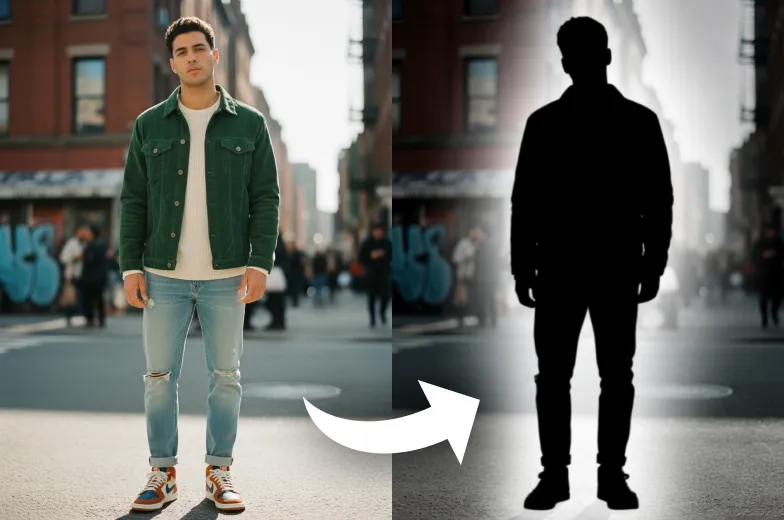
After the photo is uploaded click on the “Apply Image Effect” button to apply Silhouette Filter to your photo.
Download & Share
Download your generated Silhouette Filter to your device and share it on your favorite social media platform, and with your friends and family.
Examples
Watch Your Photos Become Stunning Silhouette Art
Testimonials
What People Say about us
Charlotte
Content Creator
This filter is a game-changer for my social media posts. The silhouette effect is stunning and so easy to use with Max Studio.
Ethan
iOS user from UK
Honestly, I'm impressed. It gave my photos a really cool, artistic vibe in seconds.
Layla
Digital Artist
I love how clean the outlines are. It's perfect for creating quick stencils and reference images for my projects.
Similar Tools
See Other Cool Image Effects


FAQs
Frequently Asked Questions
Inspiration
Created with DreamShot